
Objects of Terror Bridge Guide: Crossing and Pitfalls
Navigate the Objects of Terror bridge, plan your escape route, and learn how Beta 1.0.1 changes pitfall protection, jumping, and movement during a chase.
Jump to
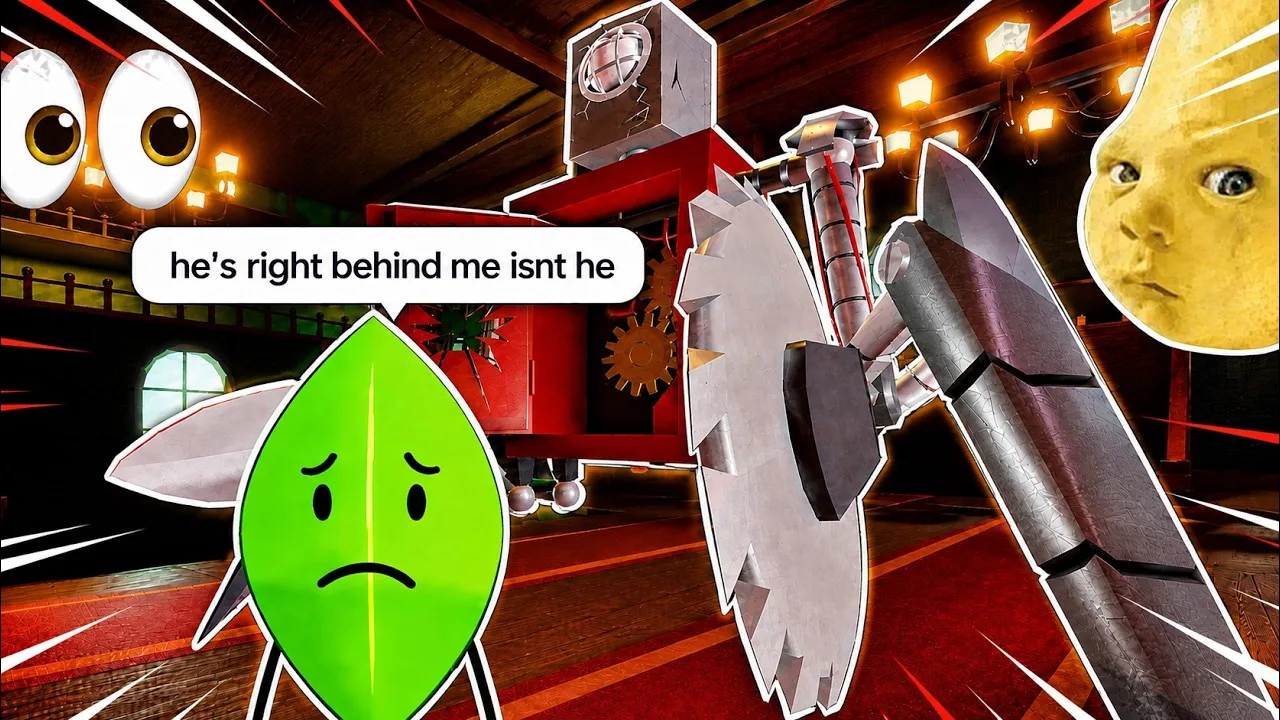
Where Does the Bridge Lead?
The Objects of Terror bridge is a crossing used on the way to an exit. Reaching it is only part of the escape, so keep moving toward the exit once you're across.
The surrounding map includes a large section that's easy to overlook while you're occupied with a chase. Explore beyond your usual routes during quieter moments, and learn how the crossing connects to the rest of the area before you need to escape under pressure.
Keep the exit itself in mind as your destination. Crossing the bridge and escaping are separate moments; don't stop navigating just because you've reached the other side.
Recovery Centers revive dead Contestants, giving you another landmark to learn while exploring. Locate them alongside the escape route during practice. Last Object Standing activates when only one Contestant remains, granting that character a buff and playing a character-dependent song. Learning the route before that situation develops leaves you with fewer navigation decisions during the final chase.
Official page: Objects of Terror (roblox.com)
Pitfalls and Movement in Beta 1.0.1
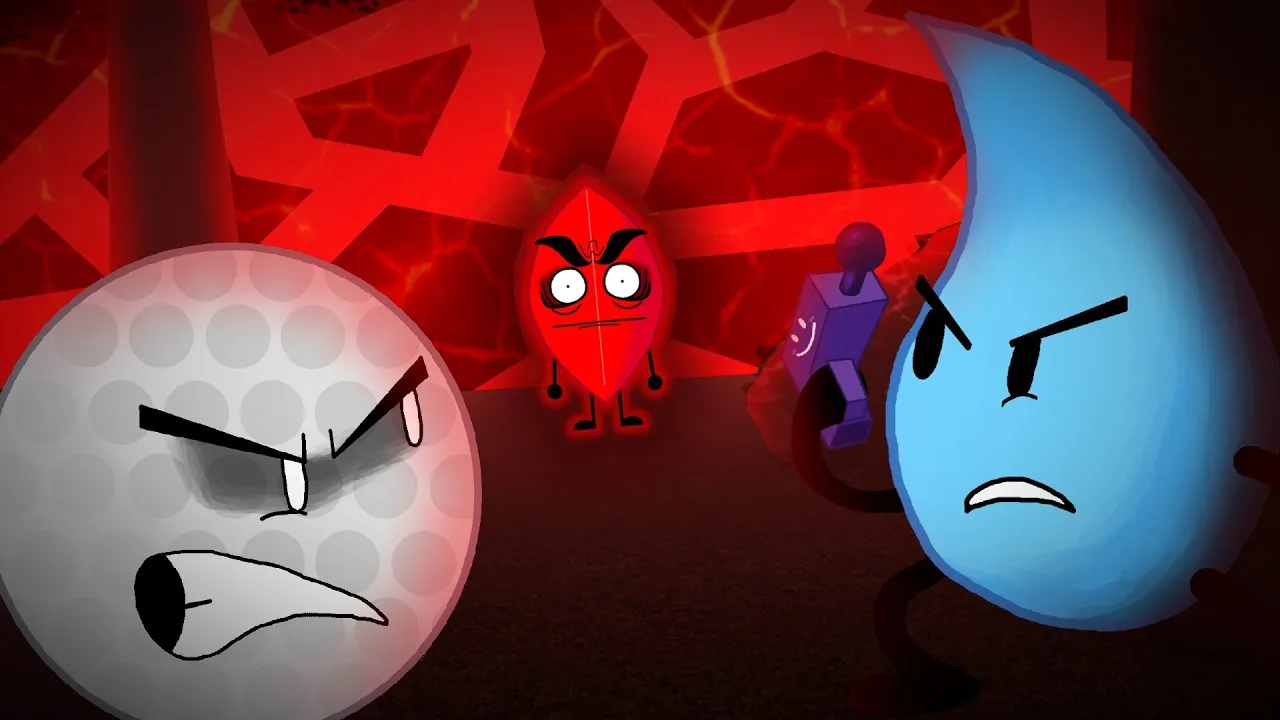
Falls deserve attention when you're navigating exposed routes. Beta 1.0.1 changed both pitfall protection and jumping:
| Mechanic | Beta 1.0.1 behavior |
|---|---|
| Adrenaline | Also provides Pitfall Resistance, reducing the punishment from falls |
| Pitfall Resistance | Prevents Contestants from dying to pitfalls and lasts longer after application |
| Jump cooldown | Increased from 0.25 to 0.4 |
Space out your jumps to account for the longer cooldown. Pitfall protection depends on having the effect active, so avoid treating every fall as survivable.
Nearby abilities also matter. Lightbulb's Dive now shoves both Contestants and Co-Hosts. When it connects, the two characters are pushed away from one another. Give a diving Lightbulb room near an edge, and account for that displacement when choosing where to stand.
Dive also behaves differently depending on who it hits. Against another Contestant, Lightbulb takes no damage and the other Contestant receives a burst of Adrenaline. Against a Co-Host, both characters take 5 damage. Lightbulb becomes Invincible for the remaining Ragdolled duration after a hit. Dive's self-damage depends on the angle of the surfaces hit and the distance fallen, and it can occur only once per dive.
Announcer's RUN has a shorter, telegraphed windup and very limited turning control in Beta 1.0.1. Announcer enters shiftlock during that windup, revealing the attack's direction. Watch that direction before committing to the crossing. Blocking negates RUN's base damage, but its poison still applies. Budget Cutter also forces Announcer into shiftlock while aiming, giving you another directional cue to watch during a chase.
MePhoneX's mobility changed in the same patch: MeTech consumes more meter, preventing unlimited flight outside MeCloak. X Boost deals 25 damage to Contestants who aren't grabbed, increased from 10. Keep that damage in mind when the Co-Host approaches teammates near the crossing; being outside the grab does not remove X Boost's threat.
Teardrop's Roll has an increased cooldown, reduced to 10 seconds when it resists an attack. Throw's cooldown also increased, reaching 15 seconds on a hit. Check those cooldowns before attempting an ability-dependent maneuver. Practice the crossing with the revised timings so your escape plan accounts for the recovery between uses.
Practice the Route in a Private Server
Free private servers include a panel for testing mechanics and playing with friends. Use one to explore the crossing and nearby paths without making route discovery part of a public match chase.
- Walk through the surrounding area and locate the exit.
- Follow the route across the bridge until you can recognize where to continue.
- Practice jump timing with the increased cooldown.
- Test Lightbulb's shove with a friend to understand its effect on positioning.
Private servers have a player requirement by default, but the private server panel lets you disable it. Use that option when exploring alone, then bring a friend along for ability testing.
Open the in-game info menu for explanations of basic mechanics and individual character guides before testing an unfamiliar ability. The private server panel also lets any player spawn as developer-exclusive classes in Beta 1.0.1. Keep your route practice focused on the character you plan to use, then test specific interactions with a friend: Lightbulb's shove, Announcer's directional windup, or Teardrop's revised cooldowns.
Continue with
 Objects of Terror Noctiluca Cavern: Map and Beta GuideExplore Objects of Terror noctiluca with a guide to Noctiluca Cavern, its BFDIA roots, key beta survival mechanics, and private server practice options.
More in Locations

Objects of Terror Recovery Centers: How Revives Work
Learn how Objects of Terror recovery centers revive Contestants, what automatic recovery adds, and how to plan a rescue while a Co-Host hunts your team.

Objects of Terror Underground Factory: Beta Map Guide
Explore the Objects of Terror underground factory, BFDI roots, and beta survival mechanics. Learn how revivals, character roles, and practice games work.
Join the community
Official channels for news, updates and player help: